

3·
2 days ago“Senior AI Engineer”
Anyone can talk to chatbots dude.

“Senior AI Engineer”
Anyone can talk to chatbots dude.
That joke only works in German because “treffen” has two meanings: meet and hit.
On some popular subs, they added new moderators and brought the subs back online by themselves. It was a total shitshow and a clear sign Reddit didn’t give a fuck about the wishes of their voluntary moderators and users.

They had a really bad POSIX subsystem that was coded by an intern, so they could say “We’re compliant” and get some sweet government contracts.
NCommander made a lot of videos about it on YouTube and had to patch the hell out of it to even get the most basic programs to run.
That’s definitely default behaviour, the start menu is a resource hog. I can recommend StartAllBack.
Same here, I only use it for VR as well (Reverb G2 support is BAD on Linux).
It’s so fucking annoying when you only boot into Windows every few weeks or so, it immediately hogs my CPU pulling down updates (which often takes 20 minutes or longer).
When the Steam Frame comes out I will finally ditch this dumpsterfire completely.
I feel this post in my heart and just wanted to say I support you 100%.
What I really hate about macOS (and iOS) is Apple prioritizing fancy design over functionality. Liquid Glass is just bad UI with shitty contrast, to the point where they had to dial it down before the final release to make it somewhat useable. And doing things like hiding the username field in Apple Mail so you have to enter a fail state first before it gets shown to you is absolute garbage. Apps don’t have to look as clean as possible, they have to be fucking functional.
…and why are we still including .DS_Store files when zipping a directory and creating them on network drives? What is this? 2001 Windows XP with its useless Thumbs.db files? Even Microsoft has long moved on from storing thumbnails in this way.

Don’t you dare criticize the worlds’ most popular generic superhero movie franchise!

I love the sound of old harddrives. At least the ones that have some low grumbling and clicking, not the ones with a high-pitched whine due to failing bearings.
The sound of old tapedecks and reel-to-reels is also pretty nice.
And the sound a Zippo makes when you open and close it.
All of them have PS3 ports (God of War Collection Vol. 1+2), even the PSP games.
God of War III even got a PS4 remaster. :)
I’m having a blast with all of the old God of War games currently. 🥰

the fan might pull more electricity than a modern one
It draws 35W on full power, which isn’t that bad - and I mostly run it on the low power setting. Even modern fans use the same motor type (shaded-pole motors), they just got a bit smaller over the last 80 years.
A modern comparison would be the PHILIPS Mercury 1000 desk fans, they also draw 35 watts.
Yes, that thing is basically just a CPU, a few capacitors and a screen. Unless the CPU just dies for no reason it can run forever. Capacitors can be replaced.
The fan is grounded. I have replaced the motor wiring and used heatshrink to properly put it into the case. Even though I love my old devices, I don’t take any chances with brittle mains wiring.
The lamp does not have a ground wire, but the plug is at the top and the bulb is surrounded by non-conductive material so I’m not worried about it.
It definitely hurts, but hasn’t penetrated the skin of my fingers (yet).
Whenever some device breaks, I try to get a replacement from ancient times so I’ll never have to buy another shitty one again.
When my desk lamp broke, I got a medical lamp from the 1930s. It’s made out of steel and aluminum and will never fail.


When my fan broke, I got a desk fan from the 50’s - it needed just a few drops of oil and has been running continuously for a week during the European heatwave. Everything down to the gears that make it turn from left to right is made out of solid metal.


The next thing will be an analog scale. I have an electronic one from amazon that partly melted when it was sitting a little bit next to my stove (it didn’t even get that hot). And I secretly hope my toaster will break soon, because ancient toasters look fucking awesome and I want one.
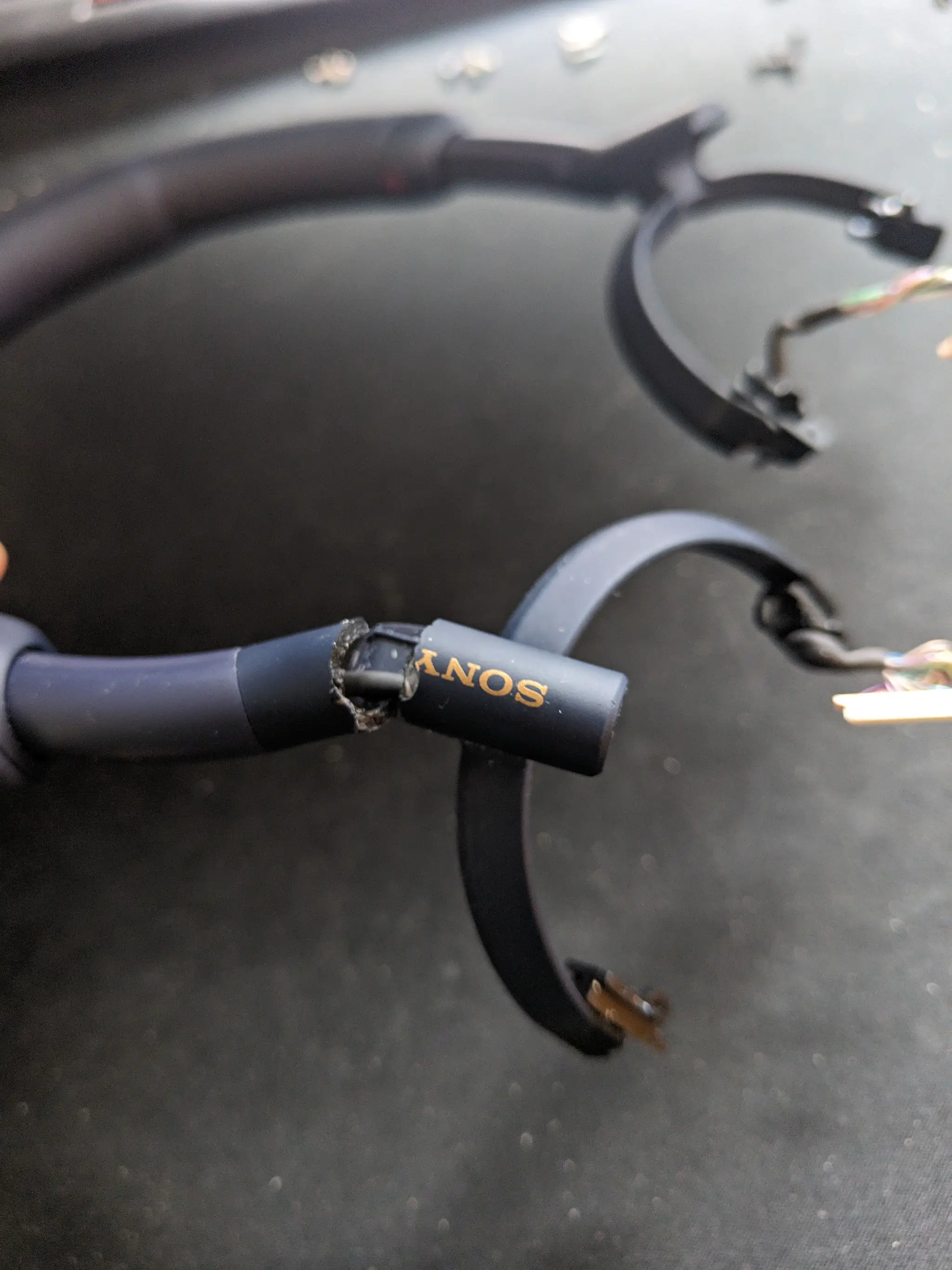
I also have an eBook reader from 2008, when Sony went crazy for a bit and actually produced models with a metal shell. All of these things will definitely last longer than me, as it should be.
The only thing I cannot replace are my fridge and my washing machine. :( You just cannot get those old ones - and even if you do, sellers will not ship them and without a car or driving license, I simply can’t get them. But I do what I can to minimize having to spend a shit ton of money every few years to replace my failing devices.

Pay for new teeth, up my Patreon subscription for my favorite artist by factor 5 and then back some great projects made by human artists on Kickstarter.
Updates are painful on modern Windows, to me it feels like they haven’t overhauled the updating system since the Windows 7 days.
It’s ridiculous that you have to restart just to update .NET and they take way too long. The major update from the last patchday took 20 minutes on my Ryzen 7 with 64GB RAM and gigabit internet - from downloading to installing and then doing three reboots.
Fedora on the other hand recently had 153 updates for me and the whole process was done in 3 minutes, with only one reboot.

There are still a few that do, antiX for example.







I have a coworker who’s doing all of our UI and screen designs. Every time he has finished a design he immediately wants to talk about it and randomly calls. Sometimes when he spots small errors in a live project (“this looks a bit wonky in Safari”, “the headline here needs three pixels more margin”), he wants me to immediately fix them and gets pissed when I finish my current task first.
Dude, we all have work to do here, yours isn’t (always) the most important one. I am very close to escalating this to my boss, because it gets increasingly difficult to ignore it and sometimes it feels like he’s cosplaying as my manager.
In short: I hate getting interrupted when I’m in the middle of a task and I hate someone breathing down my neck. I’ll get to it when I get to it.